Key Notes
- Google has started rolling out Gemini computer use for eligible paid subscribers in the United States, allowing the assistant to operate Mac apps and websites.
- The agent works in a separate background window with a live preview, leaving the main screen and cursor available to the user.
- App permissions, confirmation checks and optional temporary backups govern access, but Google warns that the agent can still make mistakes.
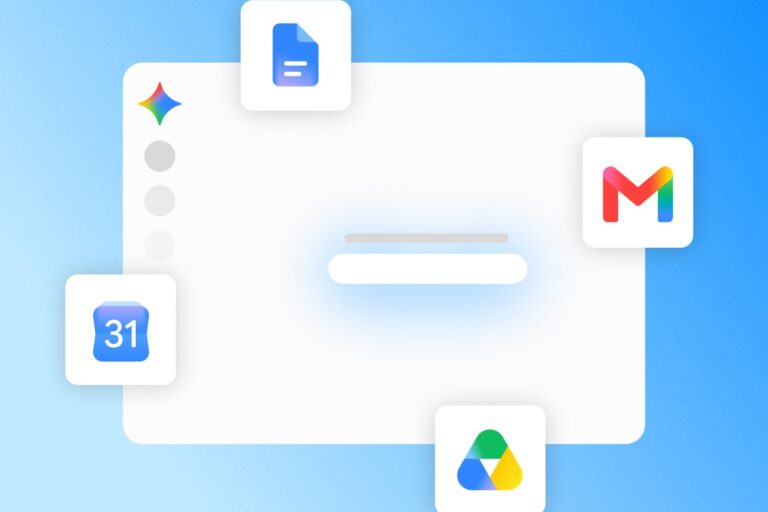
Google has given Gemini the ability to operate Mac applications, expanding its assistant into the everyday work of clicking through menus, moving information between programs and filling out forms. Computer use began rolling out on November 19, with access initially limited to paying subscribers in the United States.
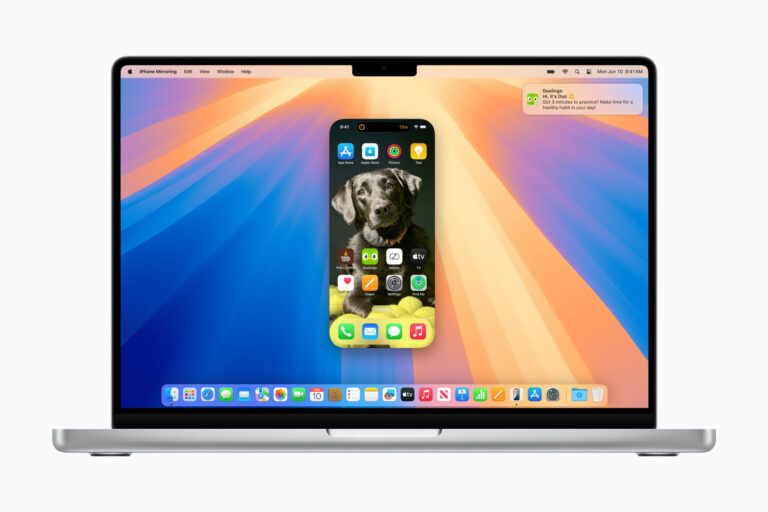
The feature works in a separate background window, leaving the user’s main screen and cursor available. A live preview in the conversation shows what the agent is doing, bringing Google closer to an assistant that can carry out a workflow across existing software.
From a Prompt to Work Across Apps
Google demonstrated the feature by asking Gemini to turn a child’s butterfly sketch into a model in Blender. Other suggested uses include transferring measurements from shipping documents into quote forms and collecting dashboard data for a presentation.
The appeal is the work between applications. A task can involve finding a file, extracting its contents and entering the result somewhere else, even when those programs lack a direct connection. Google’s examples illustrate the intended capability; they do not establish how reliably it will handle an unfamiliar app or a complicated project.
A Paid US Rollout
The November 19 release notes list Google AI Plus, Pro and Ultra subscribers as eligible. Users must be at least 18, have a personal Google account and use the app in English in the US. The Mac app requires Apple silicon and macOS Sequoia 15 or later.
Users start a Task and include @Computer use in their request. The new desktop capability follows Google’s decision to make its broader Tasks service free in six countries earlier this week. Mac computer use has a narrower, paid rollout, so access to Tasks alone does not establish eligibility.
App Permissions Set the Boundaries
Google’s help documentation explains that users can allow an app once, allow it persistently or block it. The setup requires macOS Accessibility and screen-recording permissions. Work and school accounts are outside the initial release.
The release notes say Gemini pauses for logins and payments and can request confirmation for sensitive actions. Users can also stop a task. These controls matter because an agent working in a signed-in application may be able to reach information and functions already available to that account.
Google also warns that content shown in one application can manipulate the agent into acting in another permitted app. Optional temporary file backups offer some recovery protection, but the company says they may fail or exclude certain content. They last for 24 hours or until the next prompt.
The Desktop Becomes an AI Battleground
The release lands as Apple develops a general-purpose agent of its own. A public engineering job listing, examined in our report, describes work spanning applications, browsers, terminals and code.
That competition puts the usefulness of AI agents into a more demanding setting. Desktop software contains existing files, active accounts and workflows built for people. The test for Google’s new feature will be whether completing those workflows saves enough time to justify the supervision and permissions it requires.
Disclaimer: AIstify is an independent media brand owned and operated by NuvexMedia LLC, publishing news, research, and insights on artificial intelligence, emerging technologies, automation, and related industries. NuvexMedia LLC invests in and collaborates with companies across the AI, technology, software, and digital innovation sectors. These relationships do not influence AIstify’s editorial coverage, and the publication maintains full editorial independence to provide accurate, timely, and objective information. © 2026 NuvexMedia LLC. All rights reserved. This content is for informational purposes only and should not be considered legal, tax, investment, financial, or other professional advice.