Google has added Gemini Spark to its macOS desktop app, expanding the AI agent‘s reach to Mac users and bringing new capabilities including file management, real-time topic tracking, and a broader set of third-party app integrations. The macOS beta is currently available only to Google AI Ultra subscribers in the United States.
The desktop release allows Spark to work directly with files stored on a user’s computer, enabling tasks such as sorting and organizing documents or using local files as source material for Google Workspace documents and spreadsheets. Google cited converting invoices into a budgeting worksheet as an example use case. Support for assigning multi-step remote tasks from a mobile device, such as pulling information from a file on a Mac, is described as coming soon.
Google also announced support for Google Tasks and Google Keep, addressing a gap flagged during early testing. Spark now connects to a range of third-party services including Canva, Dropbox, Instacart, OpenTable, and Zillow Rentals, enabling tasks such as reserving restaurant tables, ordering groceries, designing marketing materials, and booking apartment tours.
A new real-time tracking feature allows Spark to monitor topics and react to live events, covering areas such as sports scores, stock movements, breaking news, social media, online shopping, and weather updates.
Google is also rolling out support for custom Model Context Protocol, allowing users to connect additional apps directly into Spark for a more personalized assistant experience.
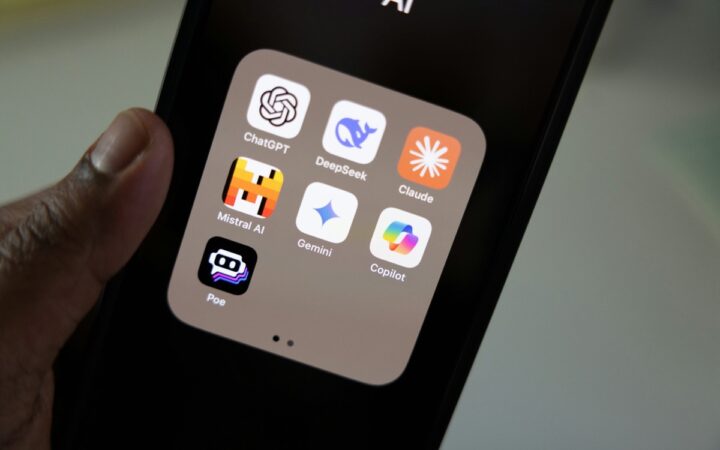
The macOS launch positions Gemini Spark more directly against established desktop AI agents including Claude Desktop and Microsoft Copilot, which have offered file-level computer access and third-party integrations for several months.
Disclaimer: AIstify is an independent media brand owned and operated by NuvexMedia LLC, publishing news, research, and insights on artificial intelligence, emerging technologies, automation, and related industries. NuvexMedia LLC invests in and collaborates with companies across the AI, technology, software, and digital innovation sectors. These relationships do not influence AIstify’s editorial coverage, and the publication maintains full editorial independence to provide accurate, timely, and objective information. © 2026 NuvexMedia LLC. All rights reserved. This content is for informational purposes only and should not be considered legal, tax, investment, financial, or other professional advice.